Bewerbungstracker: die besten Tools zur Organisation Ihrer Jobsuche (2026) | Careerkit
Startseite/Blog/Job Search/Bewerbungstracker: die besten Tools zur Organisation Ihrer Jobsuche (2026)
Job Search
Bewerbungstracker: die besten Tools zur Organisation Ihrer Jobsuche (2026)
Vergleichen Sie die besten Bewerbungstracker 2026, von kostenlosen Tabellen bis zu KI-gestützten Apps. Finden Sie das passende Tool und holen Sie das Meiste heraus.
Bewerbungen manuell in einer Tabelle, einer Notiz-App oder im E-Mail-Postfach zu verfolgen, führt zu verpassten Nachfassaktionen, doppelten Einreichungen und verlorenen Chancen. Ein spezialisierter Bewerbungstracker löst das, indem er Ihnen einen einzigen, geordneten Überblick über jede beworbene Stelle, jedes geplante Vorstellungsgespräch und jede ausstehende Entscheidung gibt. Wenn Sie 2026 aktiv auf Jobsuche sind, finden Sie hier eine Übersicht der besten verfügbaren Tools und wie Sie sie optimal nutzen.
Warum einen Bewerbungstracker nutzen?
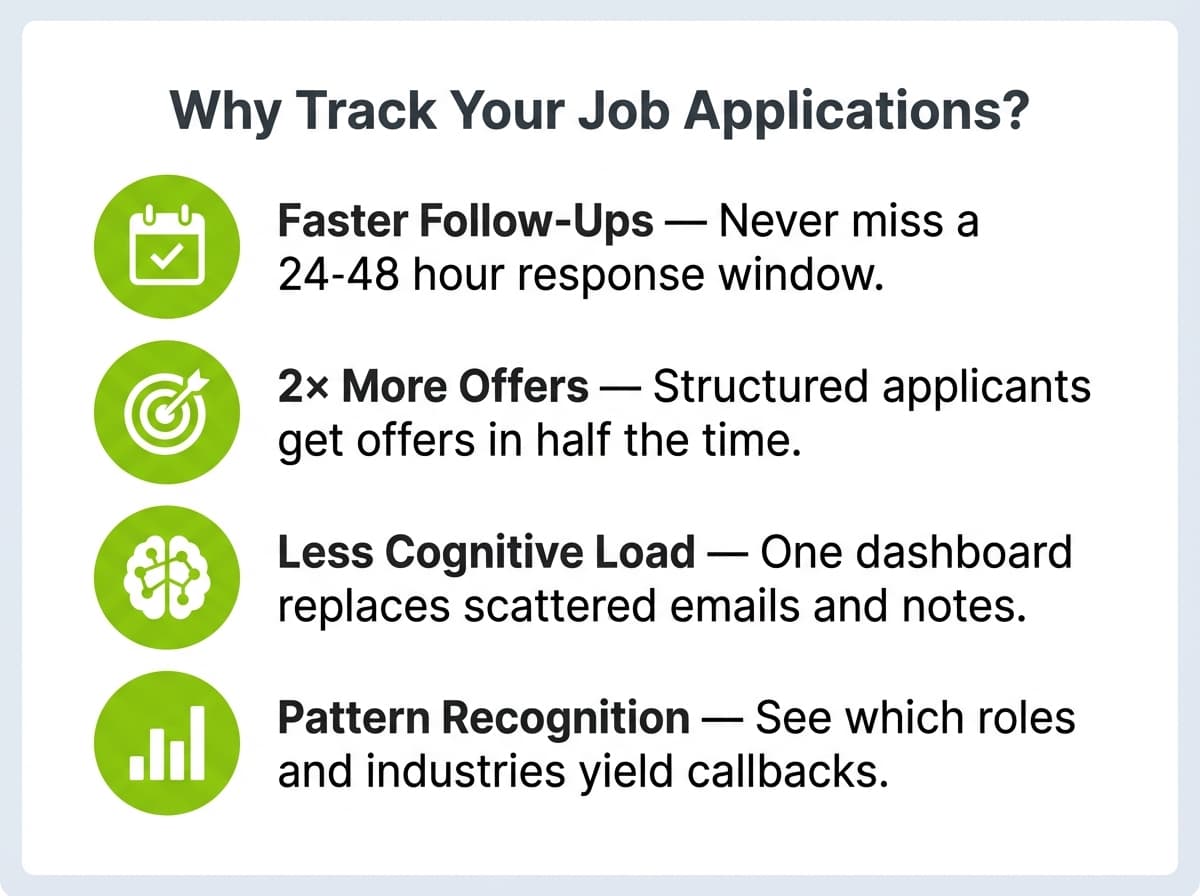
Organisierte Bewerbende reagieren schneller. Untersuchungen legen nahe, dass zügiges Nachfassen, innerhalb von 24 bis 48 Stunden nach einem Vorstellungsgespräch, die Zusagequote deutlich verbessert. Ein Tracker mit Erinnerungsfunktion hält diesen Rhythmus automatisch aufrecht.
Auch die Daten sprechen für ein strukturiertes Vorgehen. Jobsuchende, die sich wöchentliche Bewerbungsziele setzen und Ergebnisse verfolgen, erhalten laut dem Bericht «2025 Job Seeker Insights» von LinkedIn mit doppelt so hoher Wahrscheinlichkeit innerhalb von 60 Tagen ein Angebot wie jene, die sich sporadisch bewerben. Das ist besonders nützlich, wenn Sie gerade Ihren ersten Lebenslauf erstellen und noch nicht wissen, welche Stellen am besten passen.
Über die Ergebnisse hinaus verringert ein Tracker die geistige Belastung der Jobsuche. Statt E-Mails und Notizen zu durchsuchen, um sich zu erinnern, wie es mit einem Unternehmen steht, sehen Sie in ein einziges Dashboard. Diese Klarheit lässt Sie Ihre Energie dort einsetzen, wo es zählt: bei der Vorbereitung auf Gespräche und beim Anpassen Ihres Lebenslaufs. Auch zu wissen, wann Sie mit dem Lebenslauf statt dem Anschreiben führen sollten, ist wichtig, und unsere Analyse zu was Personalverantwortliche wirklich zuerst lesen kann Ihr Vorgehen schärfen.
Die Wahl des richtigen Trackers hängt von Ihrer Arbeitsweise ab. Die folgenden Funktionen und Tools helfen Ihnen, 2026 die beste Lösung für Ihre Bedürfnisse zu finden.
Zudem bieten viele Bewerbungstracker Funktionen, mit denen Sie Erinnerungen für Nachfassaktionen und Fristen setzen können, damit Sie in Ihrer Suche proaktiv bleiben. Das ist besonders hilfreich, wenn Sie mehrere Bewerbungen jonglieren oder Gespräche anstehen. Durch eine bildliche Darstellung Ihres Fortschritts halten Sie Motivation und Erfolgsgefühl aufrecht, während Sie erledigte Bewerbungen und Gespräche abhaken, sodass sich die Jobsuche überschaubarer und weniger überwältigend anfühlt.
Auf welche Funktionen Sie bei Bewerbungstrackern achten sollten
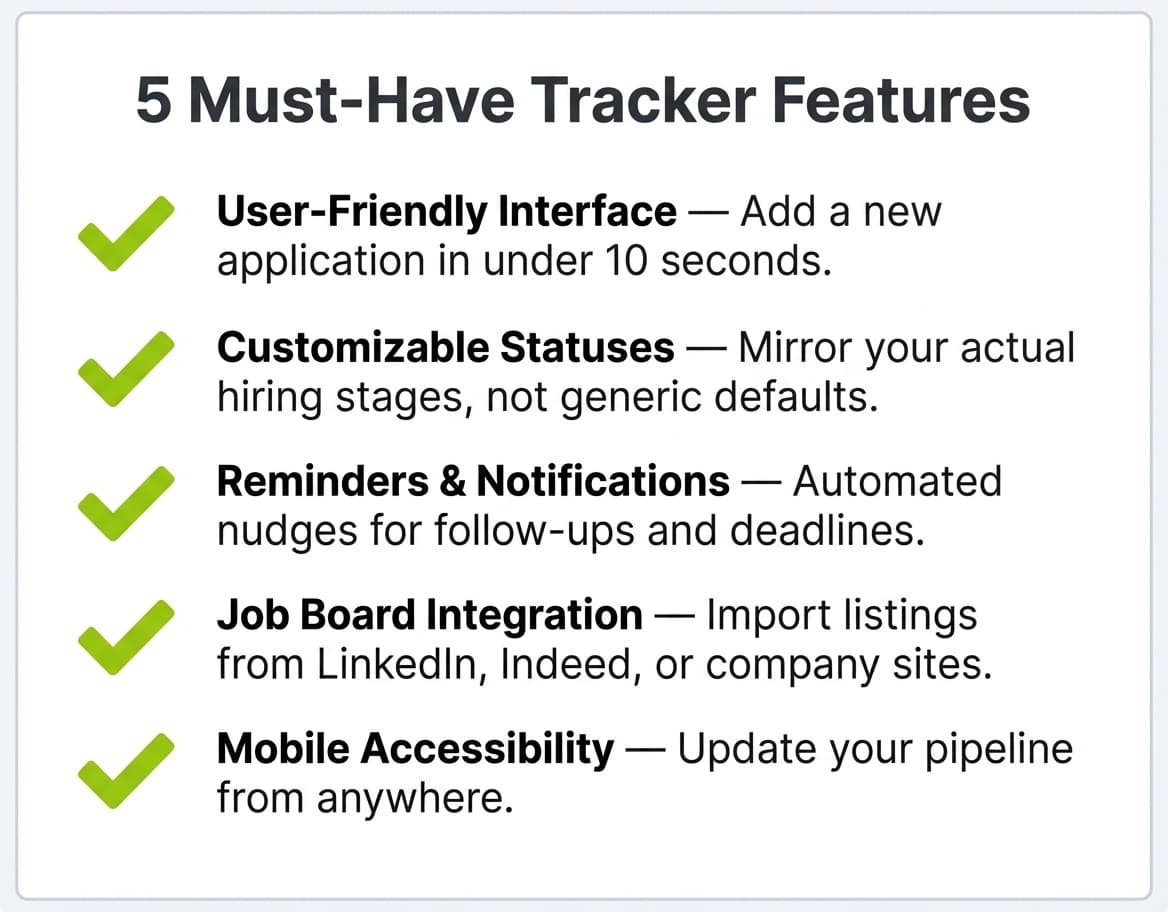
Bei Dutzenden verfügbaren Tools hängt die richtige Wahl von Ihrer Arbeitsweise ab. Diese fünf Kriterien unterscheiden wirklich nützliche Tracker von aufgehübschten Tabellen.
Benutzerfreundliche Oberfläche
Ein aufgeräumtes, intuitives Design hilft Ihnen, Bewerbungen schnell und ohne Aufwand hinzuzufügen und zu aktualisieren. Achten Sie auf Tools, die eine einfache Eingabe von Stellendetails, Fristen und Notizen erlauben. Ein gut geordnetes Dashboard verschafft Ihnen zudem einen raschen Überblick über Ihre Bewerbungen und erleichtert es, Aufgaben zu priorisieren und Ihre Ziele im Blick zu behalten. Die Möglichkeit, das Layout anzupassen oder unter verschiedenen Designs zu wählen, kann das Erlebnis zusätzlich verbessern, sodass sich der Prozess weniger nach Pflicht anfühlt und mehr nach einem motivierenden Teil Ihrer Jobsuche.
So können Sie mit dem Tracker von Careerkit zum Beispiel eine neue Bewerbung hinzufügen, ihr einen Status zuweisen und den auf derselben Plattform erstellten, maßgeschneiderten Lebenslauf anhängen, alles, ohne Ihr Dashboard zu verlassen.
Anpassbare Statuskategorien
Wenn Sie Bewerbungsstatus wie «Beworben», «Gespräch geplant» oder «Angebot erhalten» definieren und anpassen können, behalten Sie Ihren Fortschritt klar im Blick und handeln rechtzeitig. Manche Tracker erlauben zudem persönliche Tags oder Labels, mit denen Sie Bewerbungen nach bestimmten Kriterien wie Branche, Unternehmensgröße oder Stellenart einordnen. Diese Anpassbarkeit hilft nicht nur bei der Organisation, sondern liefert auch wertvolle Erkenntnisse über Ihre Suchmuster und zeigt, welche Strategien am wirksamsten sind.
Sie könnten zum Beispiel Status wie «Empfehlung ausstehend», «Aufgabe für zu Hause» oder «Angebot in Verhandlung» erstellen, um die tatsächlichen Phasen Ihrer konkreten Suche abzubilden, statt sich mit generischen Voreinstellungen zu begnügen.
Erinnerungs- und Benachrichtigungssystem
Automatische Erinnerungen für anstehende Gespräche oder Nachfass-E-Mails helfen Ihnen, proaktiv zu bleiben und verpasste Chancen zu vermeiden. Manche fortgeschrittenen Tracker bieten sogar anpassbare Benachrichtigungen, mit denen Sie Erinnerungen für bestimmte Aufgaben setzen, etwa für Networking-Events oder Bewerbungsfristen. Diese Funktion ist besonders für alle nützlich, die mehrere Bewerbungen gleichzeitig jonglieren, denn so entgeht Ihnen keine Chance. Und wenn Sie Ihren Tracker mit Ihrem Kalender verbinden, straffen Sie Ihren Zeitplan und erhalten einen ganzheitlichen Blick auf Ihre Termine und Fristen.
Ein praktisches Beispiel: Sie bewerben sich am Montag auf eine Stelle, setzen eine Erinnerung für das Nachfassen in einer Woche, und Ihr Tracker meldet sich am folgenden Montag bei Ihnen, mit dem Namen und der E-Mail-Adresse der Personalverantwortlichen bereits angehängt. Ohne diesen Anstoss unterbleibt das Nachfassen wahrscheinlich.
Integration mit Jobbörsen und sozialen Medien
Da LinkedIn 2025 für über 90 % der Personalverantwortlichen die wichtigste Rekrutierungsplattform ist (LinkedIn Talent Solutions), können Tracker, die sich mit LinkedIn oder gängigen Jobbörsen synchronisieren, Ihre Bemühungen bündeln und Ausschreibungen automatisch importieren. Diese Integration erleichtert zudem das Teilen Ihres Profils mit potenziellen Arbeitgebern und reduziert den Aufwand für manuelle Dateneingabe.
Careerkit geht noch einen Schritt weiter und verknüpft Ihren Tracker direkt mit dem Generator für Lebenslauf und Anschreiben. Wenn Sie einen Lebenslauf für eine bestimmte Stelle anpassen, wird er automatisch dem entsprechenden Bewerbungseintrag in Ihrer Pipeline zugeordnet, sodass Ihre Verfolgungsdaten und Ihre Bewerbungsunterlagen verbunden bleiben.
Mobiler Zugriff
Da 60 % der Bewerbungen inzwischen über mobile Geräte eingereicht werden laut Untersuchungen von HiringThing, können Sie mit einem mobilfreundlichen Tracker oder einer eigenen App Ihre Jobsuche unterwegs verwalten. Diese Flexibilität bedeutet, dass Sie Ihre Bewerbungen aktualisieren, Benachrichtigungen prüfen und sogar potenzielle Arbeitgeber recherchieren können, während Sie pendeln oder in der Schlange stehen. Zudem bieten mobile Apps oft Funktionen wie Sprache-zu-Text-Eingabe, sodass Sie Gedanken oder Details zu einer Stelle noch leichter festhalten, sobald sie Ihnen einfallen, und so keine wichtige Information verpassen.
Stellen Sie sich vor, Sie sitzen im Zug und eine Personalverantwortliche schreibt Ihnen wegen eines Gesprächstermins. Mit einem mobilfreundlichen Tracker können Sie Ihre Notizen zu diesem Unternehmen prüfen, die Uhrzeit bestätigen und Ihren Status auf «Gespräch geplant» aktualisieren, alles noch vor Ihrer Haltestelle.
Zu prüfende Bewerbungstracker
Der beste Tracker ist einer, der sich direkt mit den Tools verbindet, die Sie ohnehin zum Erstellen von Lebensläufen und Anschreiben nutzen, sodass Ihre Verfolgung und Ihre Bewerbungsunterlagen in einem Ablauf zusammenlaufen. Nachfolgend das Tool, das wir bei Careerkit genau dafür gebaut haben, gefolgt von vier eigenständigen Alternativen, die eine Überlegung wert sind.
Careerkit Job Tracker
Der integrierte Job-Tracker von Careerkit bietet Ihnen ein Pipeline-Board im Kanban-Stil, direkt in derselben Plattform, in der Sie Ihren Lebenslauf und Ihr Anschreiben erstellen. So gelangen Sie vom Finden einer Stelle über das Anpassen Ihres Lebenslaufs bis zum Verfolgen Ihres Bewerbungsstatus, ohne das Tool zu wechseln.
Der Tracker enthält anpassbare Statusspalten (Beworben, Gespräch geplant, Angebot, Abgelehnt und beliebige eigene Phasen, die Sie anlegen), sodass Sie stets auf einen Blick wissen, wo jede Bewerbung steht. Da er mit dem KI-Lebenslauf-Generator und Anschreiben-Generator von Careerkit integriert ist, können Sie an jeden Bewerbungseintrag genau die Lebenslaufversion anhängen, die Sie eingereicht haben. Kein Rätselraten mehr, welche Version Sie vor drei Wochen an welches Unternehmen geschickt haben.
Der Tracker von Careerkit ist kostenlos und erfordert kein separates Konto, wenn Sie bereits ein Careerkit-Profil haben, ist Ihr Tracker startklar. Der Hauptvorteil gegenüber eigenständigen Trackern ist der Wegfall des Kontextwechsels: Ihre Lebensläufe, Anschreiben, KI-Bewerbungsfotos und Ihre Bewerbungspipeline befinden sich alle an einem Ort. Für Jobsuchende, die eine einzige Kommandozentrale wollen, statt drei oder vier separate Tools zusammenzustückeln, ist dies die schlankeste verfügbare Option.