Top 5 Free Resume Updater Tools to Enhance Your CV
Five free ways to refresh your CV, from Canva and Google Docs to LinkedIn, Indeed, and AI builders. Which one to pick depends on where you are in your search.
You do not need a paid subscription to close that gap. Below are five categories of free tools that help you refresh a resume for modern hiring, what each one is actually good for, and where each falls short. If you want to skip the evaluation and start with an AI-powered builder that handles formatting, ATS checks, and tailoring in one workflow, you can build a free resume with Careerkit right now.
Why Use a Resume Updater Tool?
Updating a resume is not just a cosmetic exercise. The two systems that decide whether your application moves forward (the ATS and the recruiter) are both looking for specific things, and neither has much patience.
The ATS filter problem
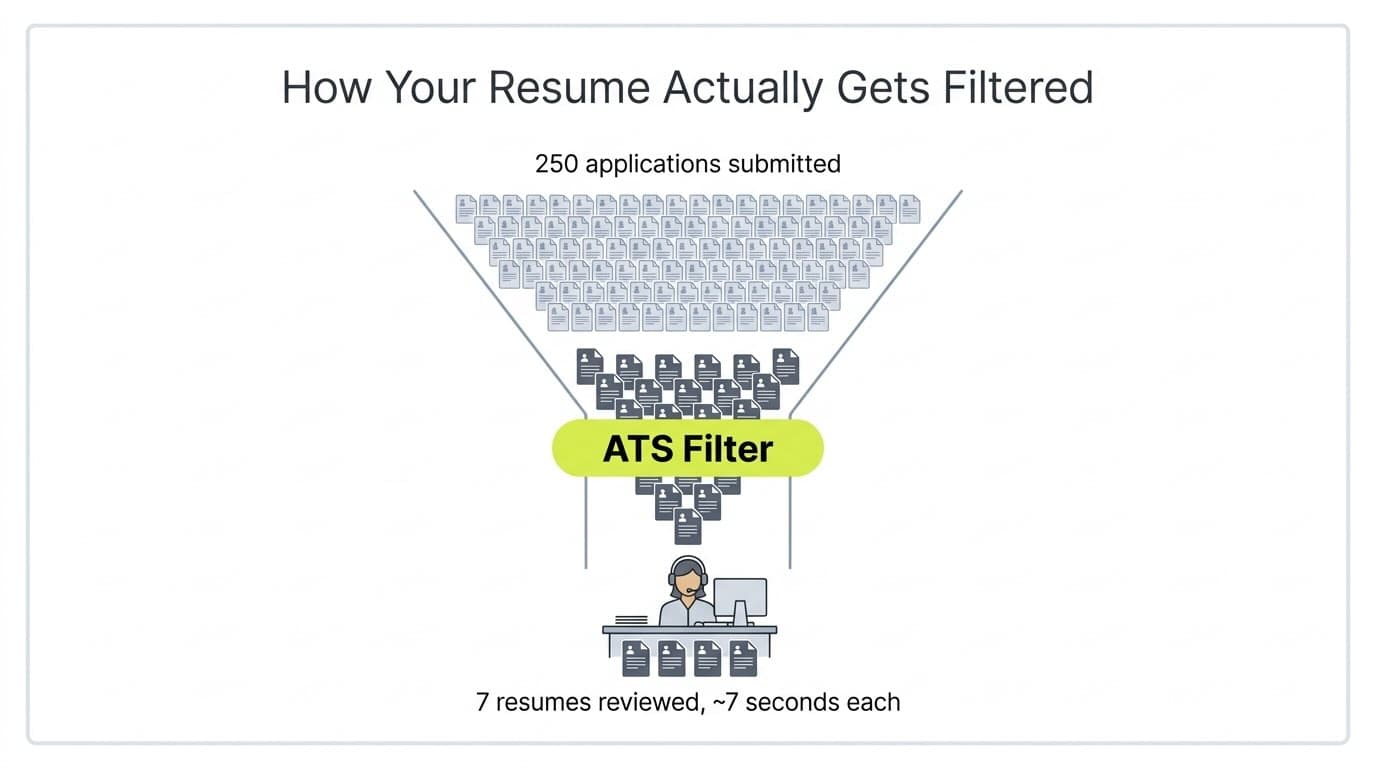
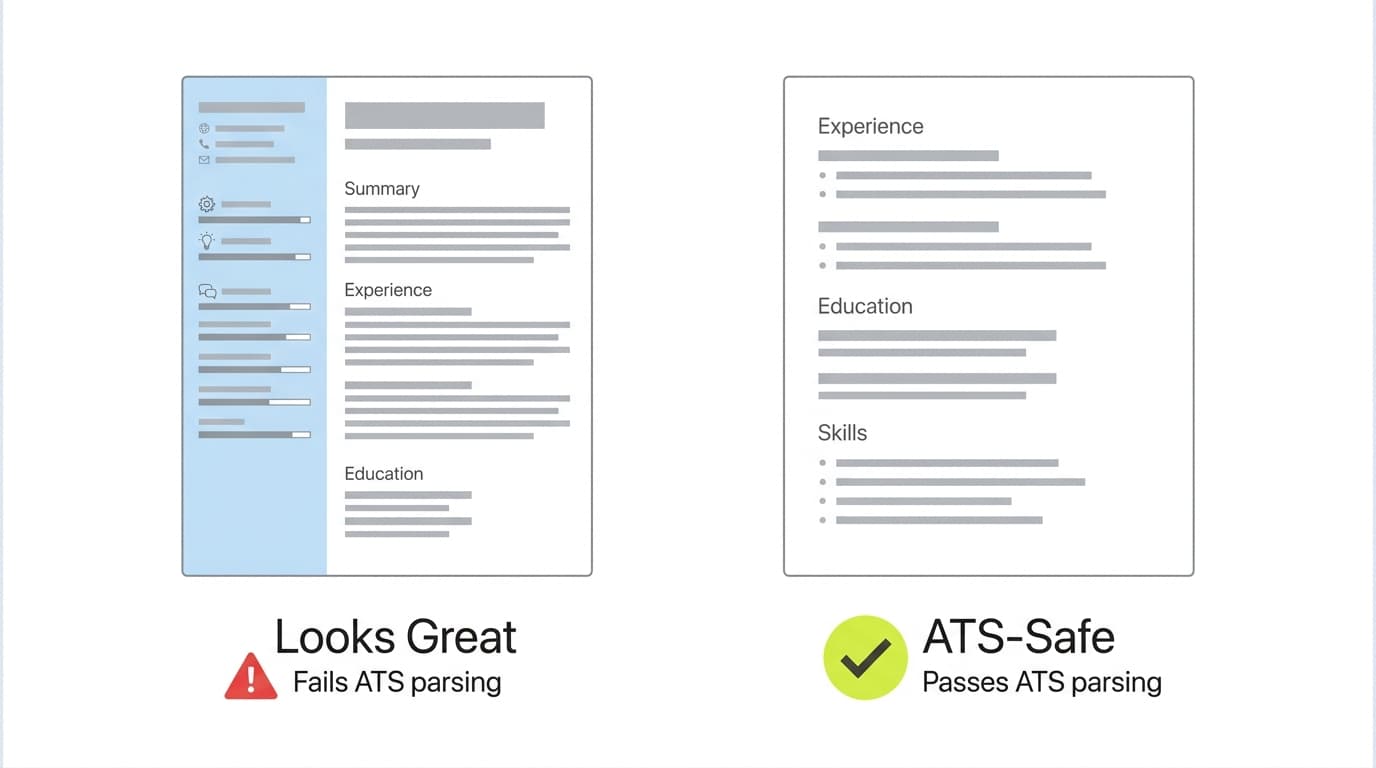
Most large companies route applications through an Applicant Tracking System before a human sees them. The ATS parses your resume into structured fields, matches keywords against the job description, and ranks candidates. Resumes with non-standard formatting (text in tables, images, multi-column layouts, custom fonts) often parse incorrectly, which means qualified candidates get filtered out for a formatting problem they never see. For a breakdown of how each resume section should be structured for both ATS and human readers, see the anatomy of a resume with examples.
What a good updater tool actually does
A resume updater tool solves three things at once. It uses ATS-safe templates so your content parses cleanly, it suggests keyword and phrasing improvements based on the job you are targeting, and it handles the mechanical stuff (consistent spacing, font sizing, section order) so you can focus on content. The rest of this post walks through the five categories of free tools that do this well, and which one fits which situation.
AI resume builders analyze your existing content and rewrite it for clarity, keyword match, and ATS readability. They are the fastest way to update a resume because they do the formatting and keyword research for you.
How it helps you update your resume
The AI reads your old resume or job history, extracts your actual accomplishments, and rewrites bullet points in the "action verb + metric + result" format that recruiters expect. Good builders also tailor the output to a specific job description you paste in, which matters because keyword match is one of the highest-weighted factors in ATS ranking. If you want to see what "good" looks like before you let an AI generate yours, these work experience bullet point examples cover the patterns that actually get interviews.
What to watch out for
Some AI builders default to fancy templates with sidebars, columns, and icons that look great on screen but confuse ATS parsers. Stick to single-column layouts with standard section headers. Careerkit's free resume builder uses ATS-safe templates by default and handles the AI rewriting in the same workflow, so you are not switching between three tabs to finish one resume.
2. Design-First Editors (Canva)
If visual polish matters for your target role (think marketing, design, creative, or front-of-house hospitality), Canva's free resume templates are a solid option.
How it helps you update your resume
Canva's drag and drop editor lets you refresh a tired layout in under an hour. You can swap fonts, adjust spacing, rearrange sections, and export as a PDF without installing software. For roles where visual thinking is part of the pitch, a well-designed resume can genuinely be the differentiator.
What to watch out for
Many of Canva's most popular resume templates use text boxes, two-column layouts, and graphic elements that ATS software cannot parse correctly. If your target job runs applications through an ATS (which covers most corporate roles), stick to Canva's single-column "Classic" or "Simple" templates and manually add plain-text section headers instead of using the pre-styled header graphics. Before you commit to a template, preview how your content renders in different resume fonts so you are not locked into a decision you regret on export day.
3. Cloud Document Tools (Google Docs and Microsoft Word)
If you want full control over formatting and do not need AI assistance, Google Docs' resume templates and Microsoft Word online both offer free, cloud-based starting points that are ATS-friendly by default.
How it helps you update your resume
Ready to land your dream job?
Join 50,000+ job seekers who have already transformed their careers with our AI-powered resume builder.
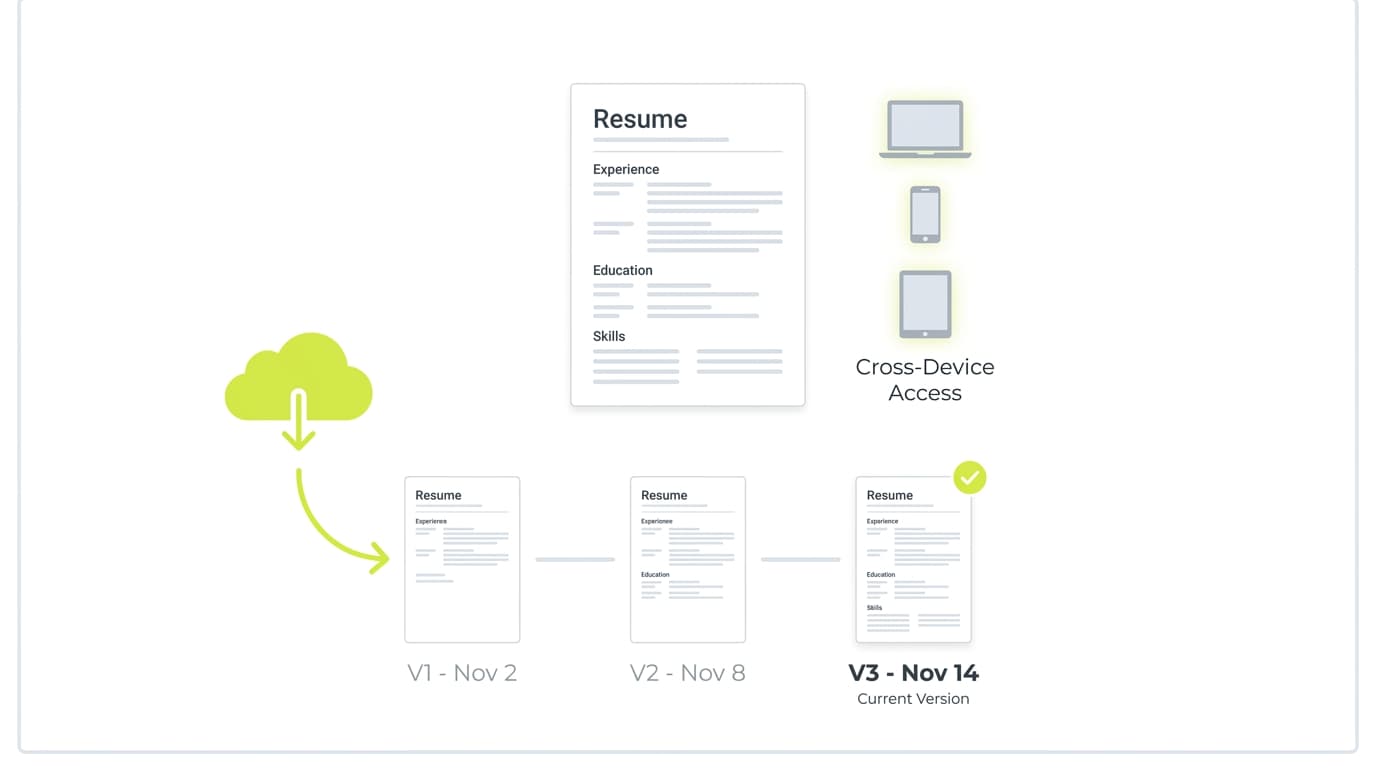
The main value here is simplicity and portability. Every template uses a single-column layout, standard fonts, and plain section headers, which is what ATS parsers prefer. Version history is built in, so you can duplicate a file, tweak it for a specific job, and still roll back if you overdo it. If you already live in Google Workspace or Microsoft 365, there is zero friction to getting started.
What to watch out for
These tools give you no keyword analysis, no ATS scoring, and no content suggestions. You bring the writing, they handle the file. If you are starting from scratch or returning to the workforce after a break, a blank template is usually the wrong starting point. This step by step guide to writing your first resume is a better place to begin, then move the content into a template once the structure is clear.
4. Job Platform Resume Builders (LinkedIn and Indeed)
Both LinkedIn and Indeed integrate directly with their job boards. If most of your applications are going through those two platforms, building your resume natively can save real time.
How it helps you update your resume
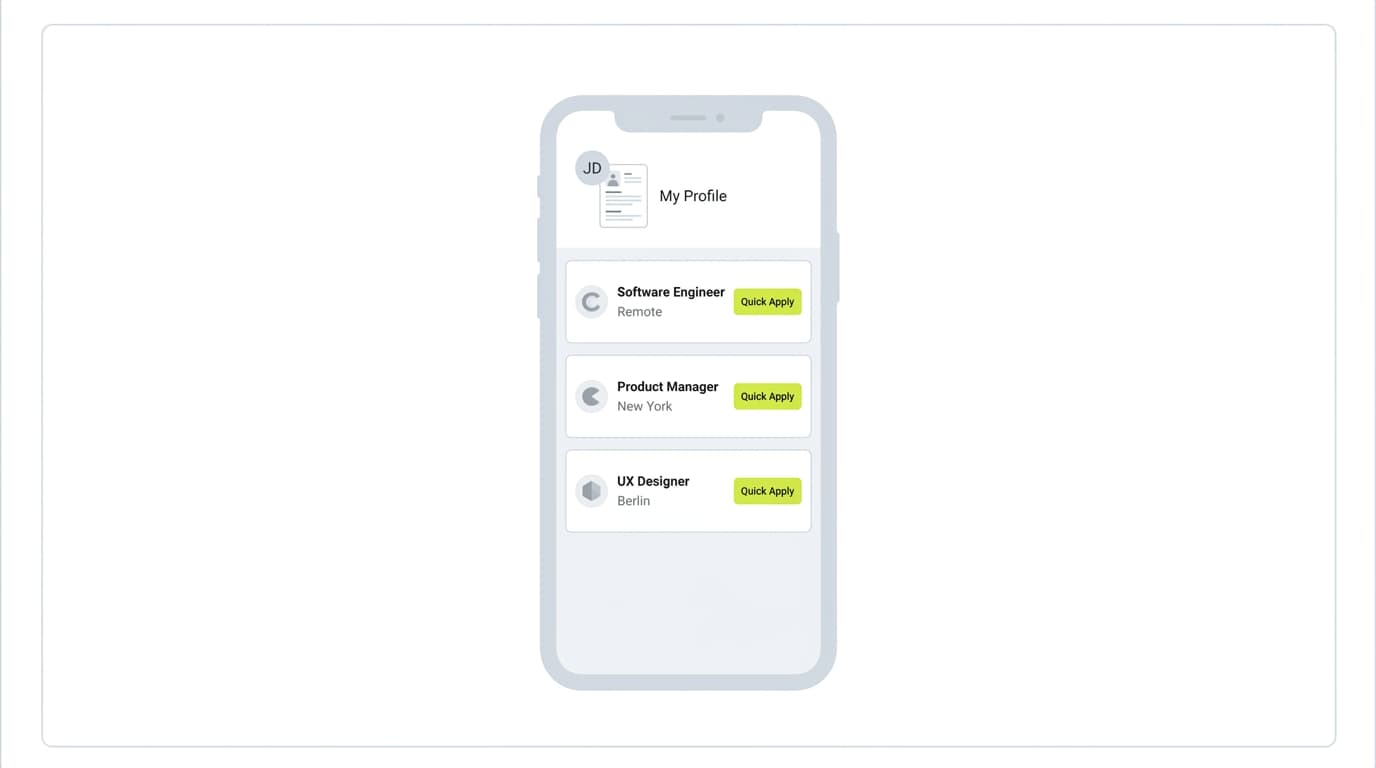
LinkedIn can generate a downloadable PDF from your existing profile in a few clicks. Indeed's builder saves your resume to your Indeed account so you can one-click apply to jobs on the platform. For candidates applying at volume, the time savings alone make these worth knowing about.
What to watch out for
The generated files are functional but generic. LinkedIn-exported PDFs in particular look near-identical across candidates, which works against you when recruiters are reviewing a batch. Formatting also does not always survive when you upload these resumes to a third-party ATS. Use these platforms as a backup or a quick draft, and build a customized version in a dedicated tool for roles you actually care about.
Sometimes you don't need to rebuild the whole resume, you just need to fix one section. Single-purpose free tools are faster than opening a full builder for a 10 minute update.
How it helps you update your resume
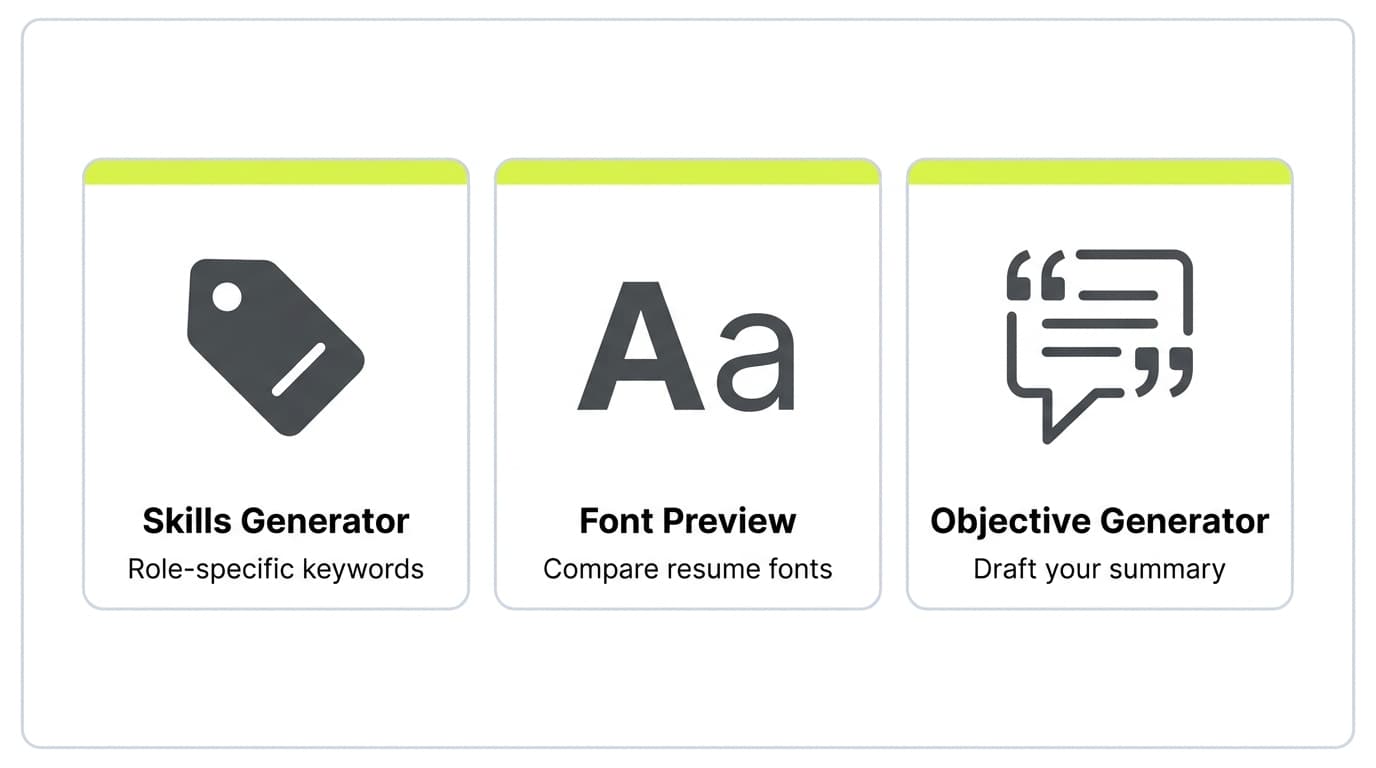
Free utilities exist for almost every resume subtask. The resume skills generator suggests the right skill keywords based on your target role, which is one of the highest-leverage edits you can make because ATS systems weight the skills section heavily. The resume font preview tool lets you compare how your resume reads in Helvetica, Calibri, and Garamond without exporting three different files. For a stuck summary section, a resume objective generator saves the 30 minutes most people waste staring at a blank header.
What to watch out for
Single-purpose tools work best as part of a larger workflow, not as a full solution. Use them to patch specific sections inside the resume you are already building somewhere else. If you find yourself stacking four or five utilities together, that is usually a sign it is time to switch to a full builder.
How AI and Cloud Technology Are Shaping Resume Updates
Two things changed in the last two years that made free resume tools noticeably better.
Better writing, not just better templates
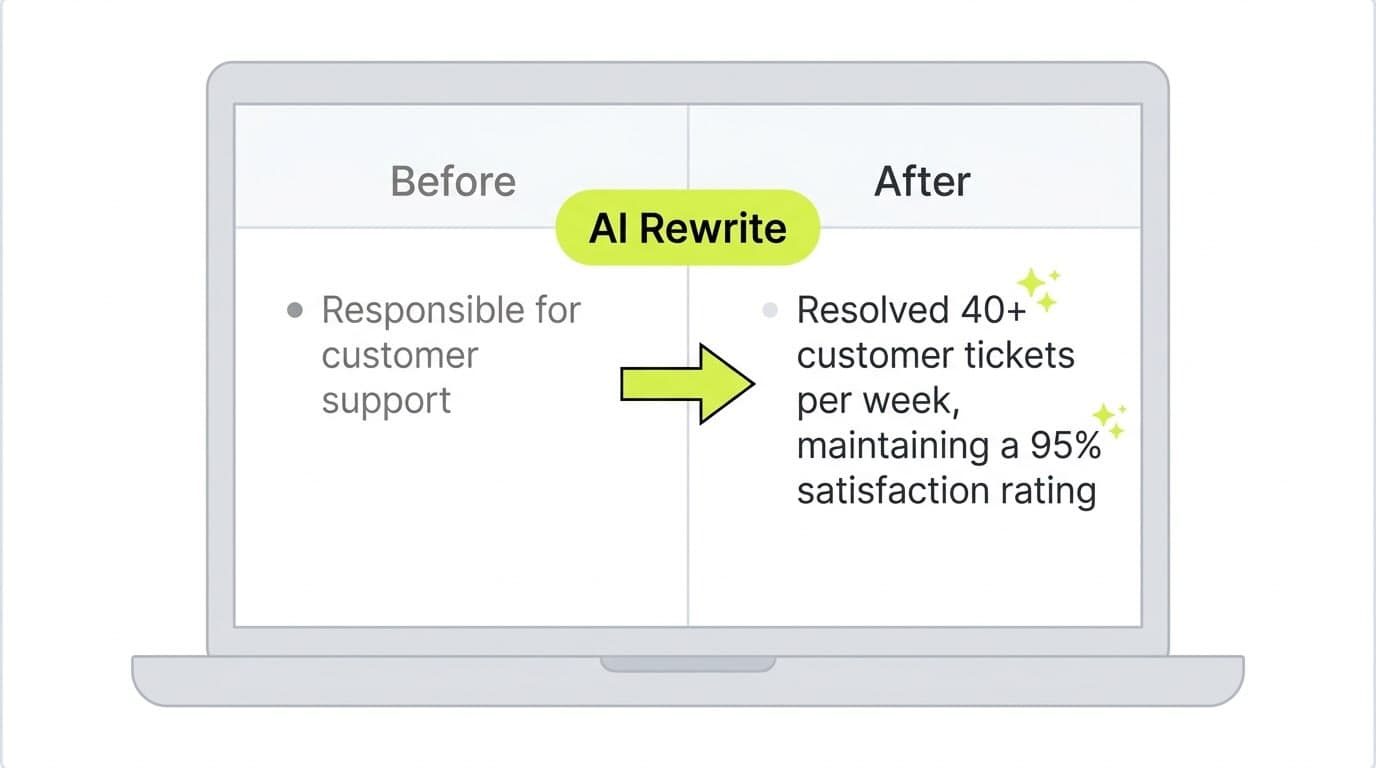
Large language models are now good enough at context that they can rewrite a vague bullet like "responsible for customer support" into a specific achievement like "resolved 40+ customer tickets per week, maintaining a 95% satisfaction rating" without you writing the improved version yourself. This is the capability underneath every AI resume feature released since 2023. The gap between "wrote my own resume" and "AI helped rewrite my resume" has narrowed to the point where the AI draft is often the better starting point.
Cross-device, not just cross-platform
Cloud deployment removed the biggest friction in resume editing: version syncing. You can start a resume on your laptop, finish it on your phone before an interview, and have a fresh PDF in your inbox in under five minutes. For a wider view of how the resume tool market has shifted, this 2026 comparison of resume builders covers where the category is heading.
Tips for Maximizing Your Resume Updates
Picking the right tool gets you 70% of the way there. The last 30% is how you use it, and that part is on you.
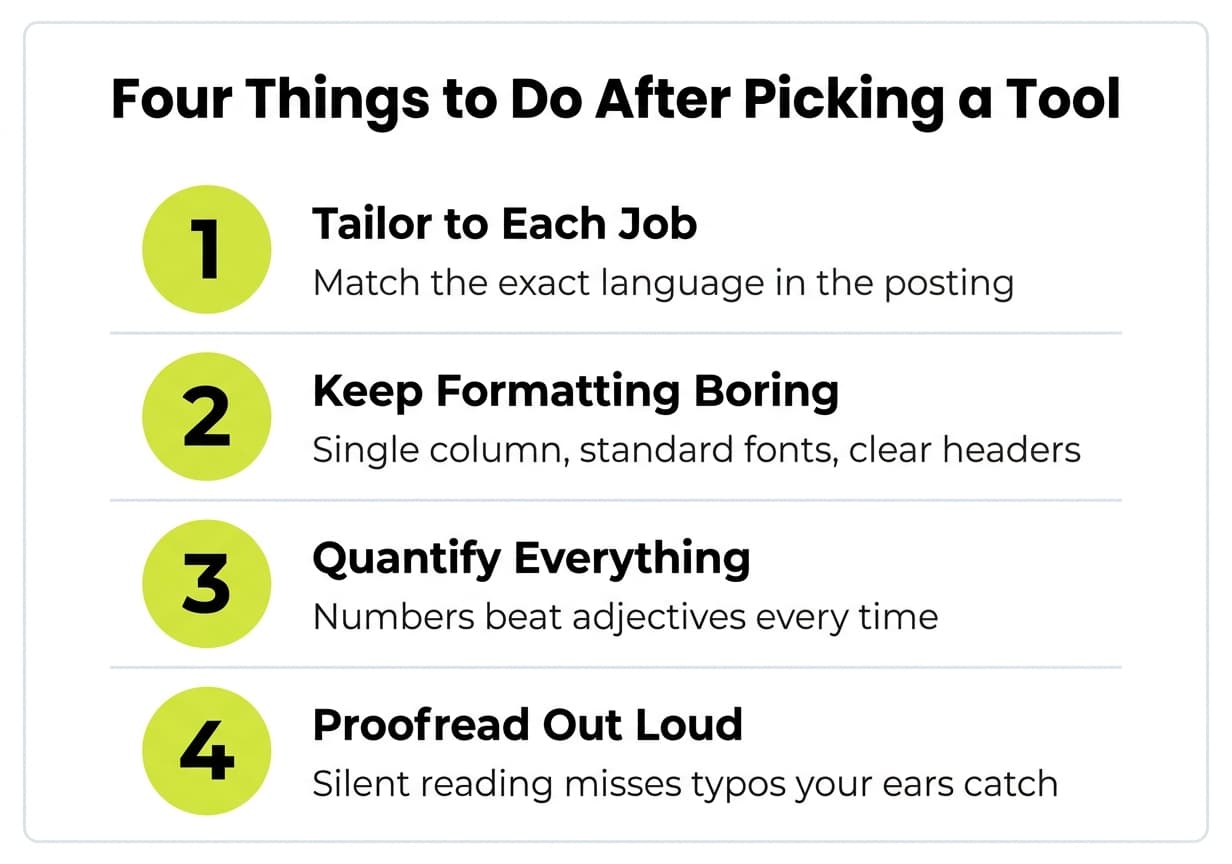
Tailor to each job, not each industry
The single highest-leverage change you can make is tailoring your resume to each specific job description. Every role uses slightly different language for similar responsibilities. A marketing role might say "campaign management" in one posting and "growth initiatives" in another. Matching that exact language is how you move from "screened out" to "top candidate" in ATS ranking. Generic industry keywords are not enough, the posting you are applying to is the source of truth.
Keep the formatting boring
Single column, standard fonts (Calibri, Arial, Garamond, Helvetica), and clear section headers. Fancy layouts feel like effort but hurt parse accuracy. If you are unsure how a design choice affects readability, preview your resume in different fonts before exporting.
Quantify everything you can
"Managed the social media calendar" tells a recruiter nothing. "Managed the social media calendar across 4 platforms, growing impressions 120% in 9 months" tells them exactly what you bring. The numbers do not need to be huge to be useful, they need to be specific. Even process metrics (hours saved, tickets closed, errors reduced) work.
Proofread twice, read it aloud once
Most resumes have at least one awkward phrase or typo that the writer has become blind to. Reading aloud forces you to catch them. Spelling checkers miss "manger" vs "manager" every time.
Conclusion
The best free resume updater tool depends on where you are in your search. If you are overhauling a tired resume for a specific role, an AI-powered builder saves the most time. If your resume is already strong and you just need to refresh the layout, cloud document tools or specialized utilities are enough. If visual presentation matters for your field, a design-first editor earns its place.
What matters more than tool choice is how you use it. Tailor to each role, keep formatting parseable, quantify your impact. Tools speed up the mechanics, they do not replace the thinking.
If you want a single workflow that handles drafting, AI tailoring, ATS checks, and export without switching between four tabs, start a free resume with Careerkit. And if you are still deciding whether to send a resume alone or a full application with a cover letter, this breakdown of what hiring managers actually read first is worth three minutes before you hit submit.
For most job seekers, yes. Free tiers of modern AI resume builders now include the core features (AI rewriting, ATS-safe templates, keyword matching) that used to be paywalled. Paid plans typically unlock unlimited exports, premium templates, and cover letter generation, which are nice-to-haves rather than must-haves for the majority of applicants.
Not if you edit the output. AI tools give you a strong first draft, but the specifics (your actual metrics, your actual projects, your voice) still come from you. Read every generated line, rewrite anything that sounds generic, and make sure the numbers match reality.
Every six months at minimum, even if you are not actively job hunting. It is far easier to add a bullet point when you still remember the project than to reconstruct your accomplishments two years later from a half-remembered Slack thread.
One page is still the norm for candidates with under 10 years of experience. Two pages is acceptable for senior roles with deep experience or extensive technical specialization. Do not pad to fill a page, and do not cram to fit, length should follow substance.
You can, but you will get fewer interviews. Tailoring the skills section, professional summary, and top three to five bullet points to match each job description is the highest-ROI update you can make. It takes 10 to 15 minutes per application and directly affects your ATS ranking.
Start with structure, not content. A career-change resume needs to reframe transferable skills instead of just listing past roles chronologically. This free career change resume template shows the exact structure that works for a job transition, then you fill in your content.
Put this advice to work
You just read the theory. Careerkit's AI builder turns it into an ATS-ready resume, tailored to the job you want.
Nishant Modi is the founder of Careerkit.me and a product builder based in Zürich, Switzerland. With a background in product management, marketing & management consulting, he transitioned into AI entrepreneurship after experiencing the frustration of outdated job search tools firsthand. He built Careerkit to give every job seeker access to professional grade resume tools, the platform has helped over 10,000 candidates create ATS optimized resumes. He writes about resume strategy, hiring trends, and what actually gets people hired.